- Start by installing the
hardware for the media center PC
- Unpack all components and
place on a flat work surface
- Remove the cover from the
case
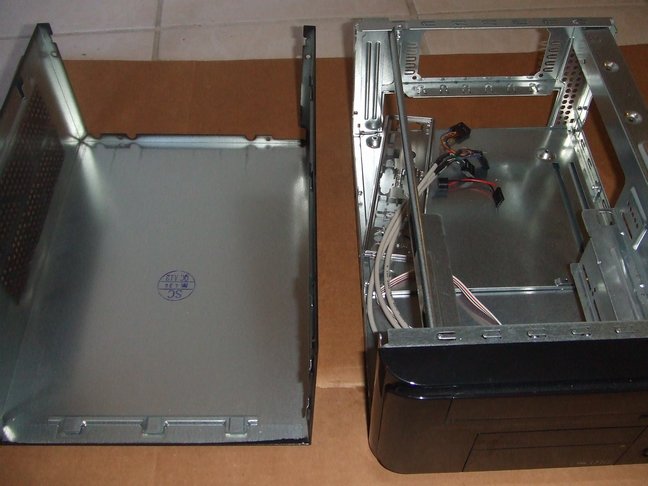
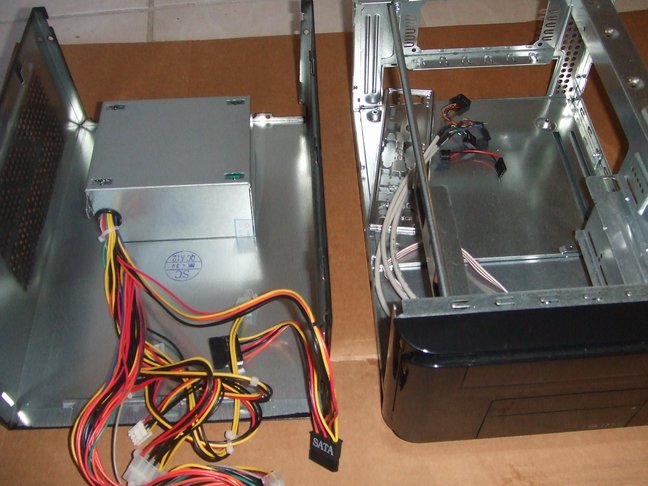
- (optional) Remove the power
supply from the case to make it easier to work inside the case
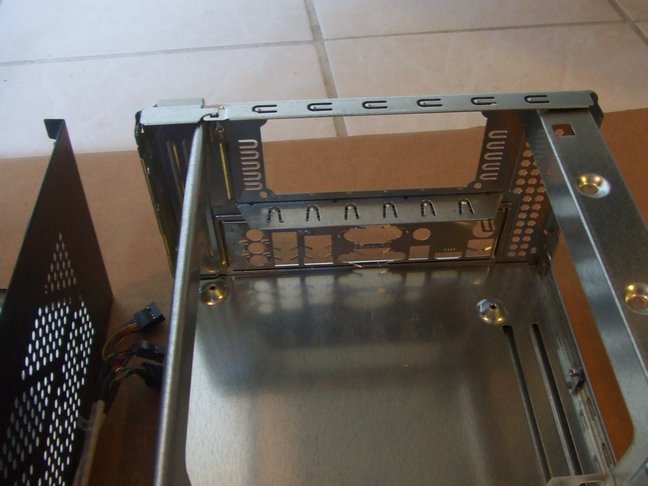
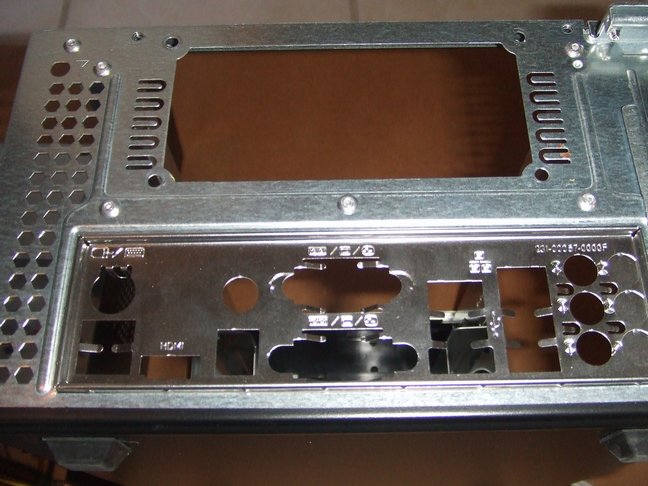
- Take the back plate from the
motherboard box and punch out any holes that are blocked so all
input/output jacks are visible (caution: the metal is very thin and
sharp, so be careful not to cut yourself). Now insert the
back plate into the case - this will usually require you to apply
pretty equal pressure to get the back plate to seat flush into the back
of the case
- Install the motherboard into
the case, fitting all input/output jacks into the back plate and
screwing the motherboard into the case
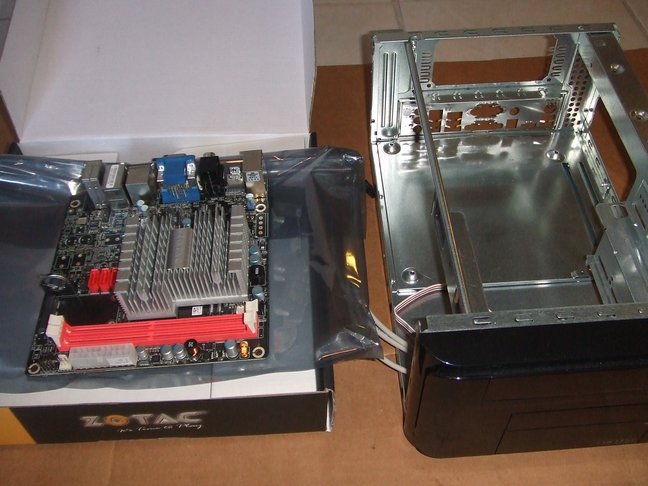
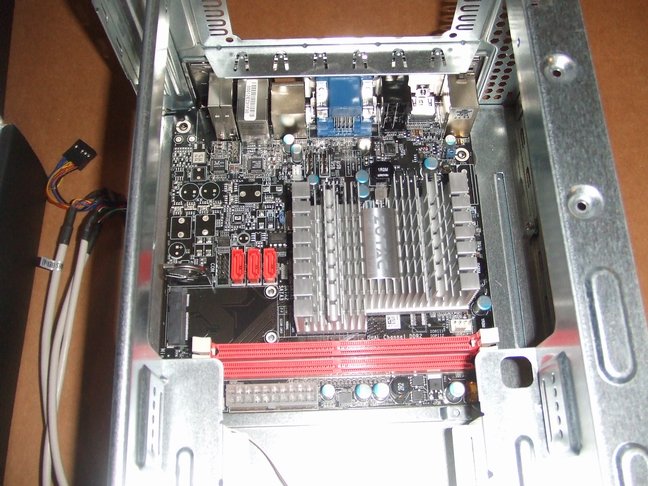
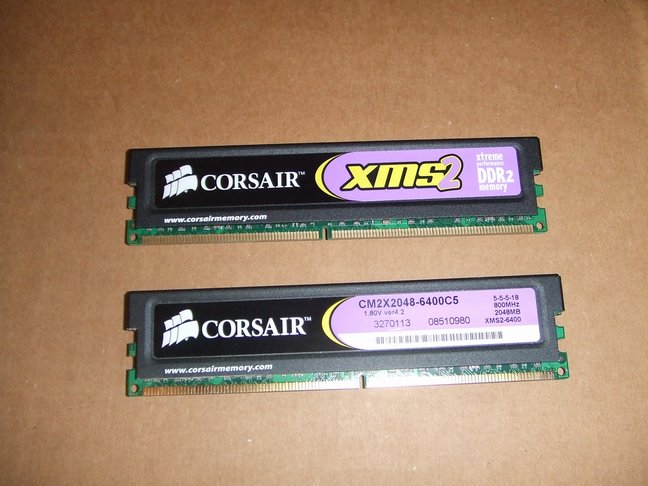
- Install the RAM into the
motherboard - ensure that the RAM is oriented correctly and push it
into place (ensure the locking tabs are snapped into the ram snugly)
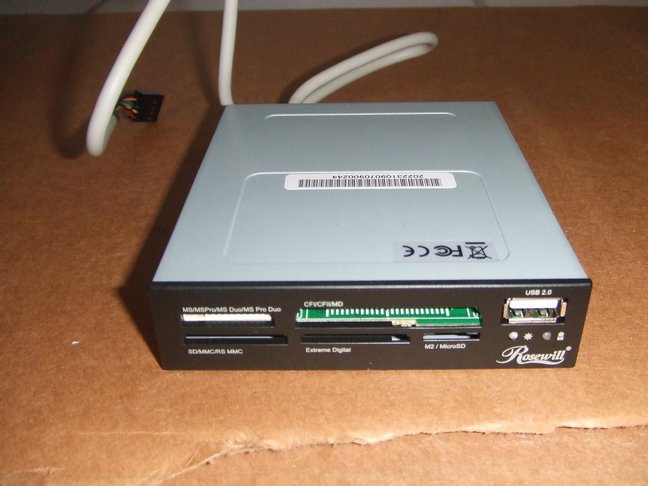
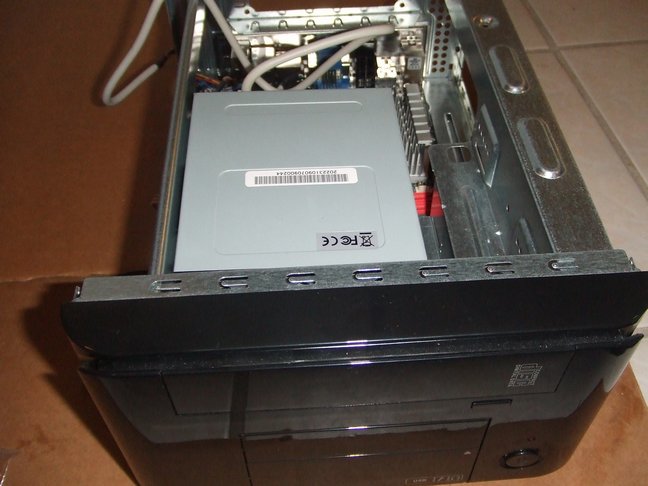
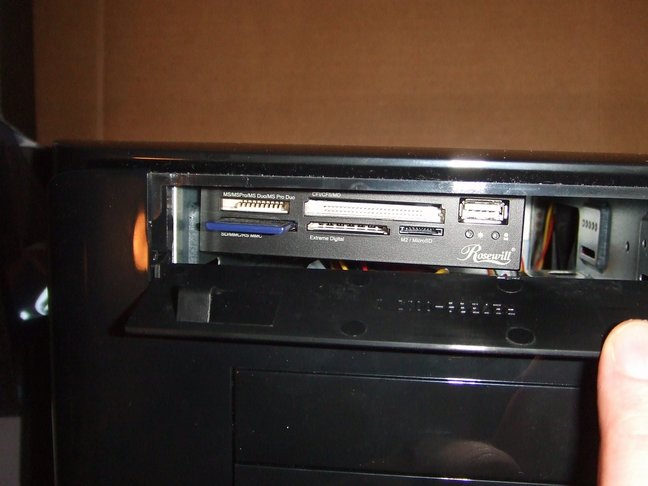
- Install the card reader (for
the APEX case the 5 1/4 inch drive bay has a flip down lid).
I installed the card reader to only one side of the 5 1/4 bay using two
screws and as close to the lid as possible. For easy of
access, you should install the SDHC card prior to inserting the card
reader into the case, else just insert the card by flipping down the
lid at a later time. Plug the USB cable for the card reader
into the motherboard.
- Plug in the cases leads for
power, reset, hard drive, speaker, front audio/usb, etc.
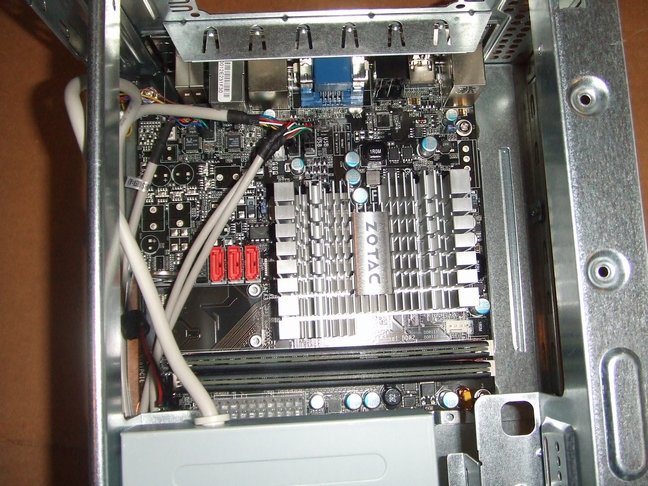
- Plug in the ATX power cable
to the motherboard. (optional) If the power supply was
removed reinstall the power supply into the case
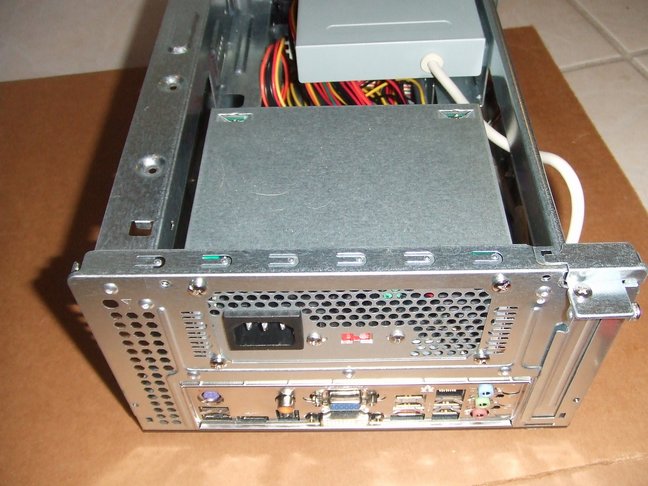
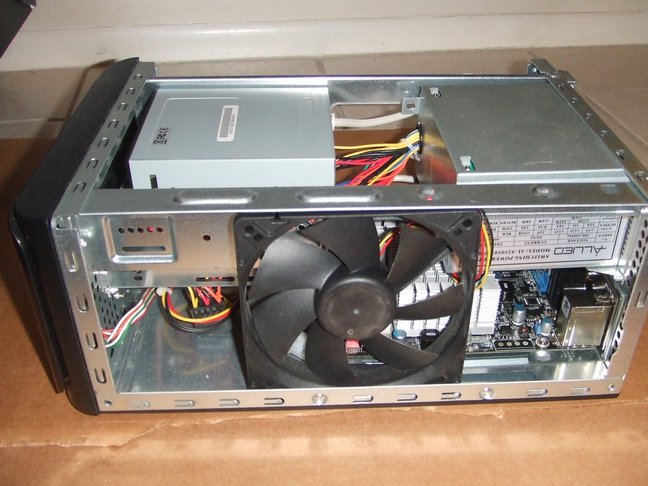
- (optional)Install a 120mm
fan on the right side of the case - it will just fit between the rails
of the case.
- Plug in the power and boot
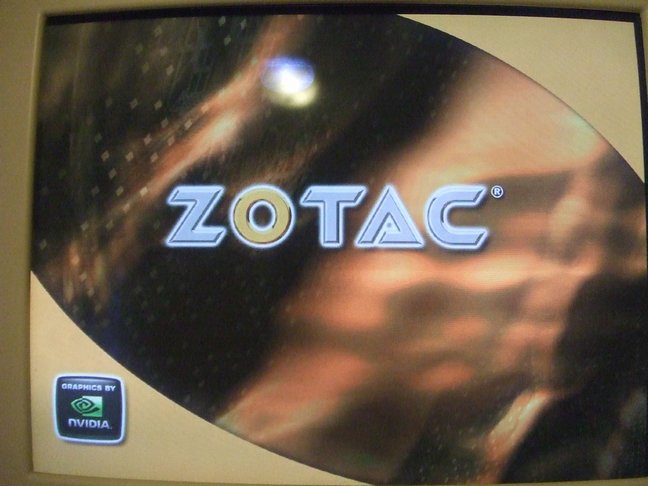
up your HTPC - assuming everything is plugged in correctly you should
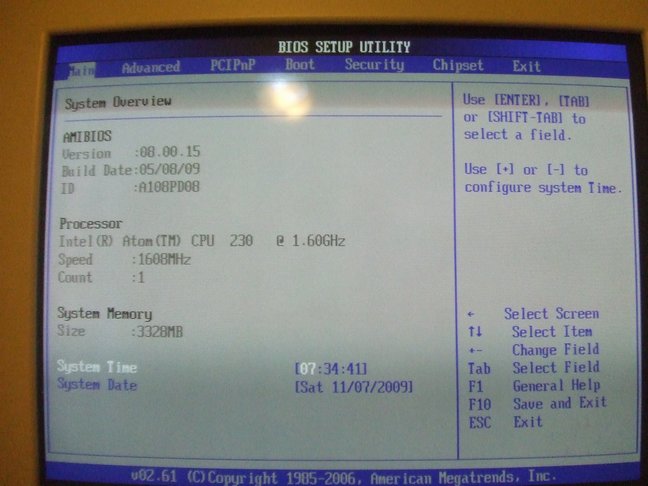
see the ZOTAC splash screen. Press DEL to enter the BIOS and
configure accordingly.
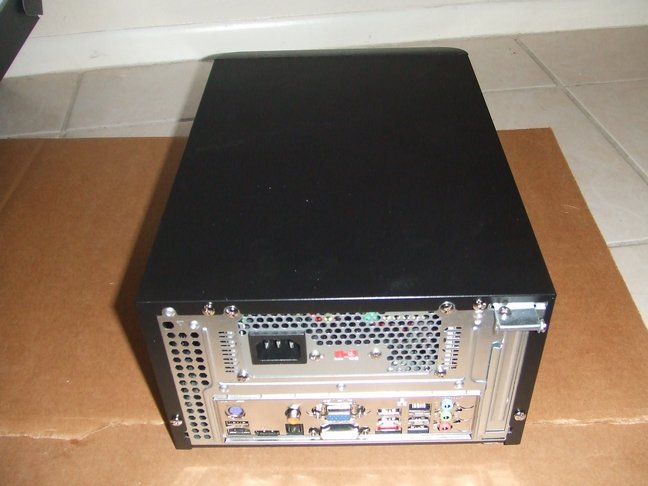
- Your HTPC build is complete!
|